Roughness Map Generator
Turn any photo or texture into a PBR roughness map. Crevices and dusty spots come out rough, worn and polished spots smoother, read from both the colors and the shape of the surface. Move the light over the 3D ball to watch the highlights, then download for Blender, Unreal or Unity.
Sample: Metal
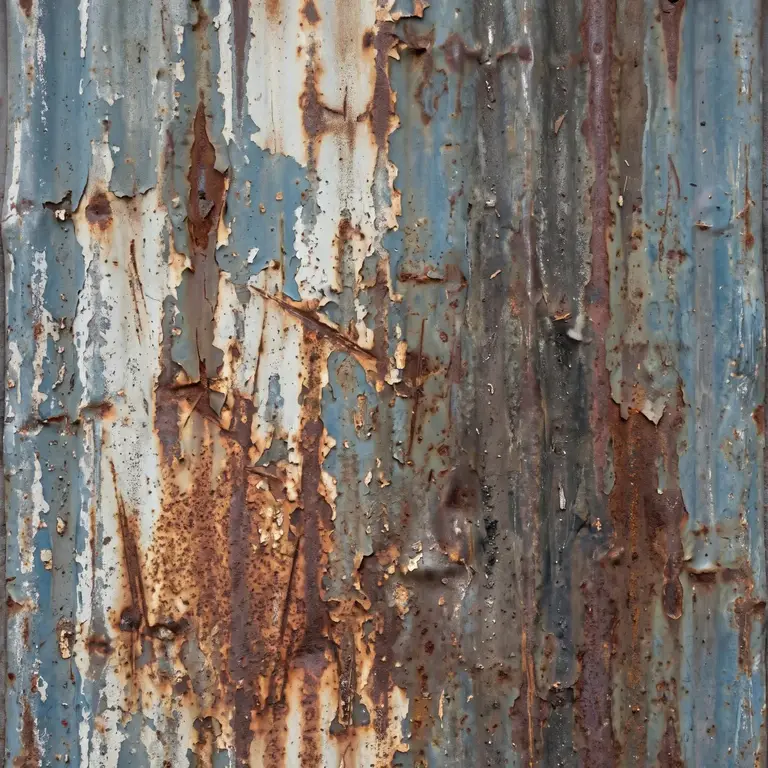
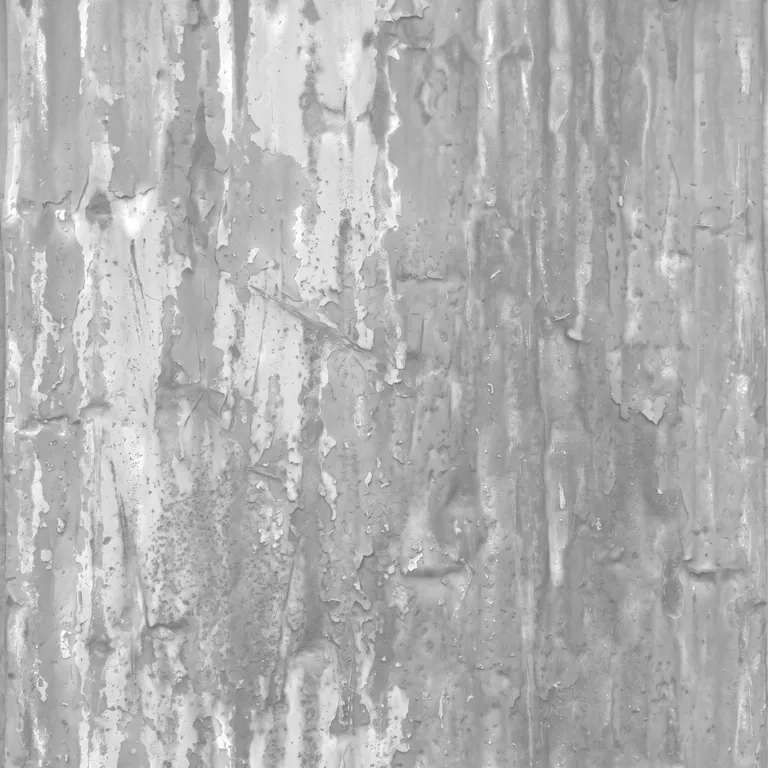
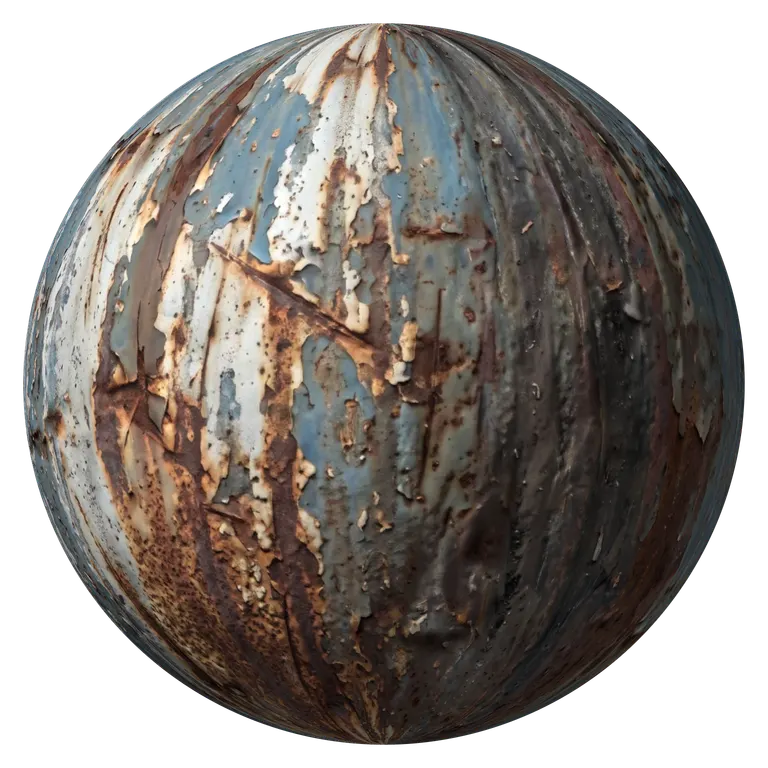
Detail, AO and single-map downloads
Bump detail
Ambient occlusion
Download one map
AI photo mode: shape read from the photo, shadows stay shadowsRuns in your browser. Images never leave your device.
Roughness Map Values from 0 to 1
Black (0) is a mirror-smooth surface with a tight, bright highlight. White (1) is fully matte, with the light spread evenly. Here is the same ball at five roughness values, rendered with the shading the roughness map generator uses in its 3D preview.
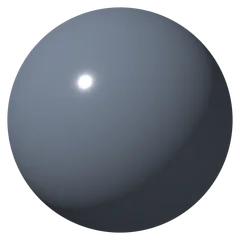
0.1
Gloss paint, wet stone
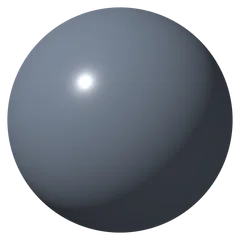
0.3
Varnish, glazed ceramic
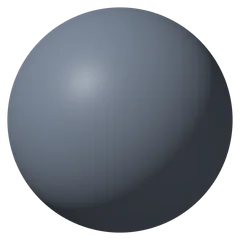
0.5
Plastic, leather
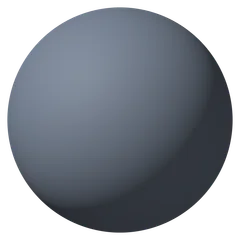
0.7
Bare wood, brick
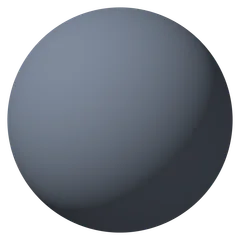
0.9
Concrete, fabric, soil
What Is a Roughness Map?
How sharp the highlight is, pixel by pixel
A roughness map is a grayscale PBR texture that tells the renderer how sharp or blurred the reflections are at every pixel. Dark pixels give a crisp highlight, light pixels spread it into a soft sheen. It is why rust looks dull next to the painted metal around it under the same light, and why a roughness map shows only where the highlight falls.
- Black is smooth, white is rough
- Linear data: Non-Color in Blender, sRGB off in Unity and Unreal
- Smoothness and glossiness are the same map inverted
How the Roughness Map Generator Reads a Photo
A photo does not record roughness directly, so the roughness map generator combines two clues and lets you tune the result against the live preview.
Crevices are rough
The AI reads the shape of the surface and finds the gaps, pores and cracks where dust and wear collect. Those come out rougher.
Color adds variation
Brighter and darker patches shift the roughness, so rust, dirt and paint each get their own value.
Contrast and level
Rough contrast spreads or flattens the values, Rough level moves the whole map toward glossy or matte.
Invert for smoothness
Turn on Invert for a plain smoothness or glossiness map. For Unity, the packed metallic and HDRP mask maps already hold smoothness in alpha.
Roughness, Smoothness or Glossiness: What Each Engine Reads
Smoothness and glossiness are roughness turned upside down: smoothness equals 1 minus roughness. The roughness map generator gives you each one ready for its engine.
Blender
- Reads
- Roughness
- Where it goes
- Principled BSDF Roughness, Image Texture set to Non-Color
- Download
- Roughness map
Unreal Engine
- Reads
- Roughness
- Where it goes
- Roughness pin with sRGB off, or the green channel of an ORM map
- Download
- Roughness map or ORM
Godot
- Reads
- Roughness
- Where it goes
- StandardMaterial3D Roughness texture, or ORMMaterial3D
- Download
- Roughness map or ORM
Unity URP and Built-in
- Reads
- Smoothness
- Where it goes
- Alpha channel of the Metallic map
- Download
- Unity smoothness map, packed and ready
Unity HDRP
- Reads
- Smoothness
- Where it goes
- Alpha channel of the Mask map
- Download
- HDRP mask map with AO and smoothness
V-Ray, Corona (gloss)
- Reads
- Glossiness
- Where it goes
- Reflection glossiness slot
- Download
- Inverted map
| Engine | Reads | Where it goes | Download |
|---|---|---|---|
| Blender | Roughness | Principled BSDF Roughness, Image Texture set to Non-Color | Roughness map |
| Unreal Engine | Roughness | Roughness pin with sRGB off, or the green channel of an ORM map | Roughness map or ORM |
| Godot | Roughness | StandardMaterial3D Roughness texture, or ORMMaterial3D | Roughness map or ORM |
| Unity URP and Built-in | Smoothness | Alpha channel of the Metallic map | Unity smoothness map, packed and ready |
| Unity HDRP | Smoothness | Alpha channel of the Mask map | HDRP mask map with AO and smoothness |
| V-Ray, Corona (gloss) | Glossiness | Reflection glossiness slot | Inverted map |
How to Make a Roughness Map from an Image
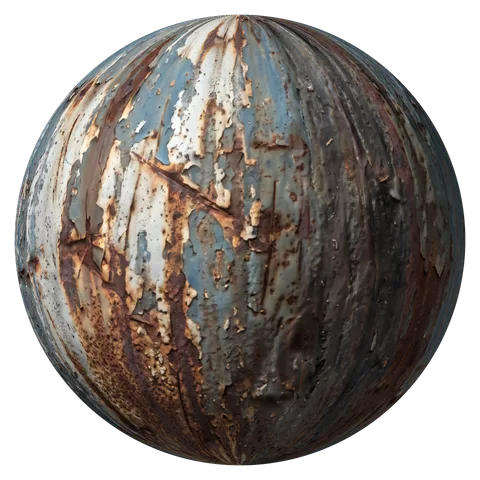
Four steps from a photo to a roughness map you can trust. The rusty metal sample is already open in the roughness map generator, so you can see each setting work.
- 1
Open a photo or albedo texture
Upload, drop or paste a photo or albedo texture, or take a photo with your phone. Soft, even light gives the cleanest result.
- 2
Tune contrast and level
Raise Rough contrast to separate glossy from matte areas, move Rough level until the overall shine matches the real material.
- 3
Check it under the light
Move the mouse over the tool: the highlight on the 3D ball shows exactly where the surface reads glossy or matte.
- 4
Download roughness or smoothness
Save the roughness map, the packed Unity smoothness map, or the ZIP with the ORM map for Unreal, Godot and glTF.
Roughness Map Generator FAQ
White is rough (matte) and black is smooth (glossy). A smoothness or glossiness map uses the opposite convention, so turn on Invert when your engine asks for one of those.
Yes. The roughness map generator estimates roughness from the shape and colors in the photo: crevices and dusty patches come out rough, worn and polished spots smoother. Check it under the moving light and adjust contrast and level until it matches the real surface.
Click Unity smoothness. It saves a metallic map with smoothness in its alpha channel, the way URP and the Built-in Standard shader read it, so no image editor is needed. For HDRP, download the HDRP mask map under Detail: AO in green, smoothness in alpha. Metallic stays black (non-metal) in both.
No. A photo cannot show reliably which parts are bare metal, so a generated metallic map would be a guess. The blue channel of the ORM map is black (non-metal); paint white where the surface is bare metal.
A grayscale image, mostly mid to light gray for natural materials: concrete and fabric close to white, varnish and wet spots darker. Sharp edges between light and dark show where one material meets another, like rust on paint. The scale at the top of this page shows what each value does on a ball.
Roughness shows only inside highlights. Light the material from a low angle or use an HDRI with a bright sun, and make sure the texture is read as Non-Color, not sRGB.
Yes, and so are the smoothness and ORM versions. The roughness map generator has no sign-up, no watermark and no limit, and it works on your device without uploading anything.
Make Your Roughness Map Now
Drop in a photo and get a roughness map, plus normal, height and AO maps from the same surface. Free, in your browser.
Upload an image