Seamless Texture Generator
Make any photo or texture tile without a visible seam. The edges blend into each other while the contrast of the image stays, and the 3×3 view shows the repeat right away. The normal, height and roughness maps are made from the seamless image, so the whole set tiles together.
Sample: Leather
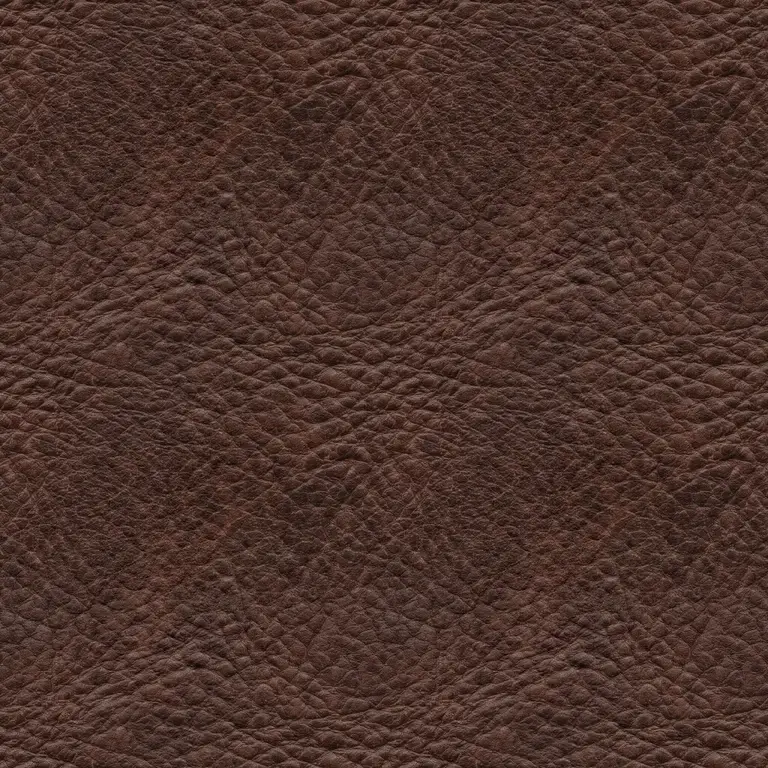
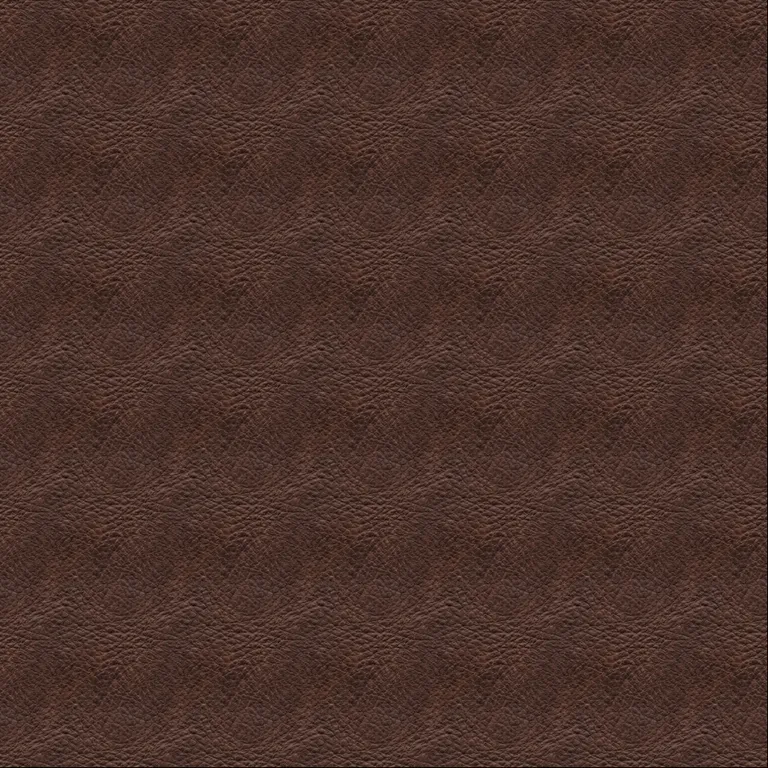
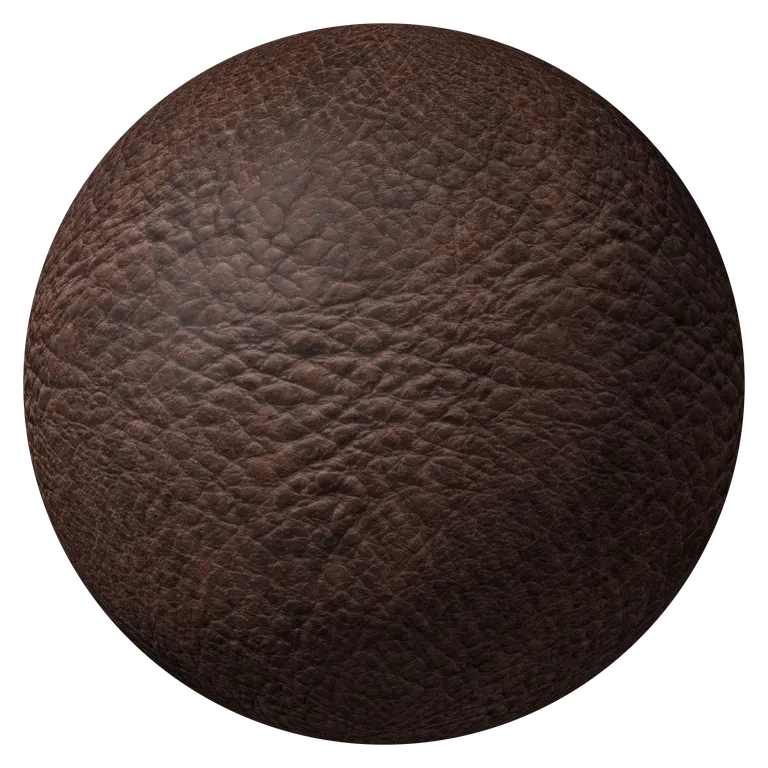
Detail, roughness, AO and single-map downloads
Bump detail
Roughness and AO
Download one map
AI photo mode: shape read from the photo, shadows stay shadowsRuns in your browser. Images never leave your device.
Seamless Texture Before and After
On the left, a leather photo repeated three by three as it came from the camera: the light falls off toward the edges, so every copy shows its frame. On the right, the same photo after the seamless texture generator. Drag the slider to see the grid disappear.
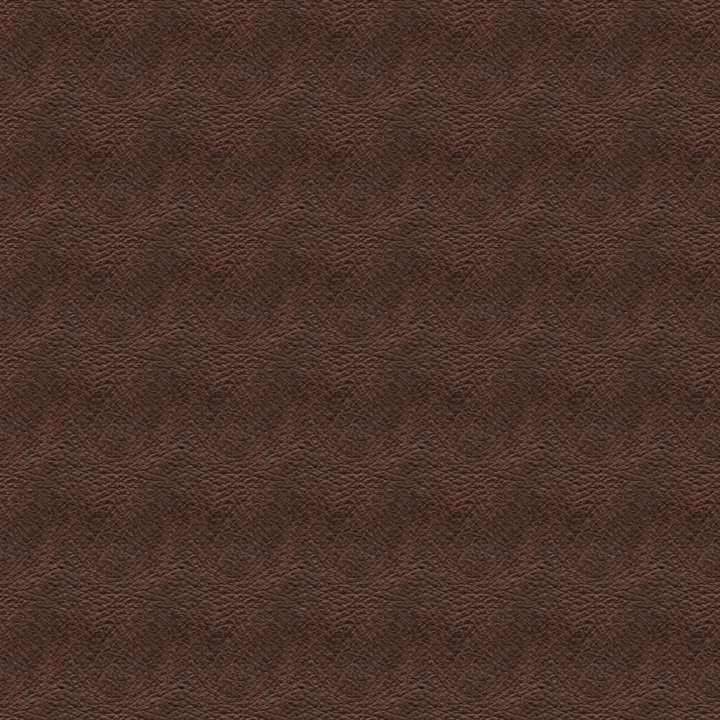 Original, tiledSeamless, tiled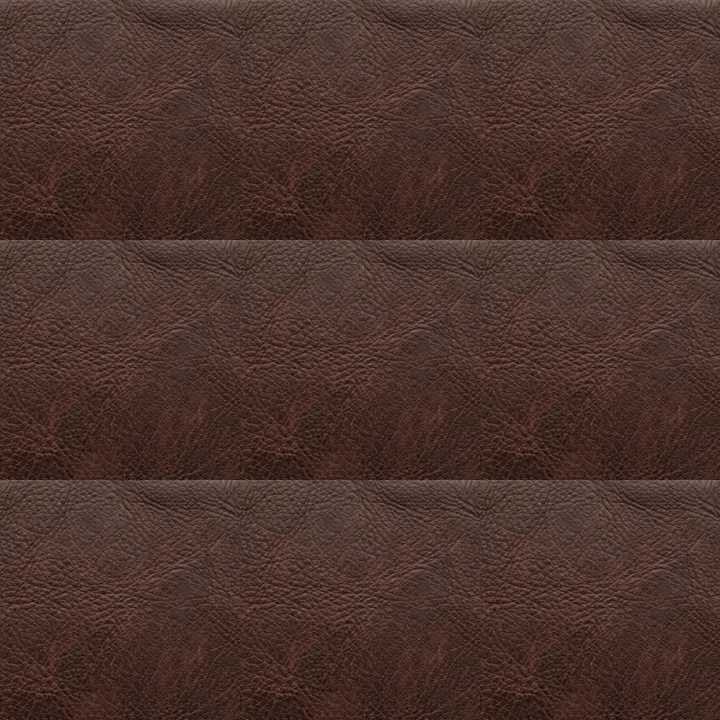
A Seamless PBR Set, Not Just a Seamless Photo
Most seamless texture generators stop at the color image. Here every map is made from the seamless version, so the normal, height and roughness maps tile with it and line up pixel for pixel. Each image below is repeated 2×2.
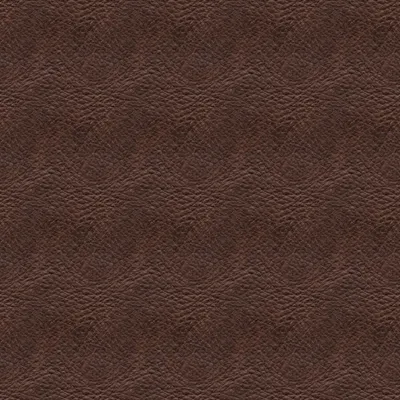
Base color
The photo with its edges blended, ready to repeat.
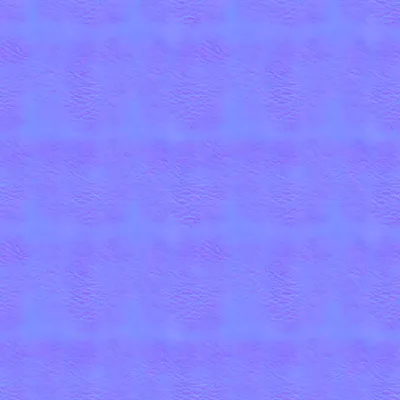
Normal map
Grain and creases that continue across every edge.
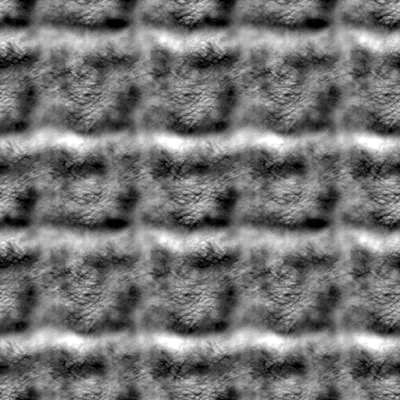
Height map
16-bit depth for displacement, seamless on all sides.
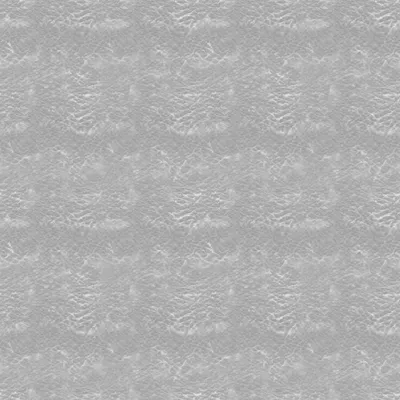
Roughness map
Matte creases and smoother worn spots, also tileable.
Which Photos Make the Best Seamless Textures
The seamless texture generator works on any image and hides seams best where the surface has no strict pattern. Rows of stones are the hard case: where two copies overlap, the outlines double, as on the cobblestones on the right.
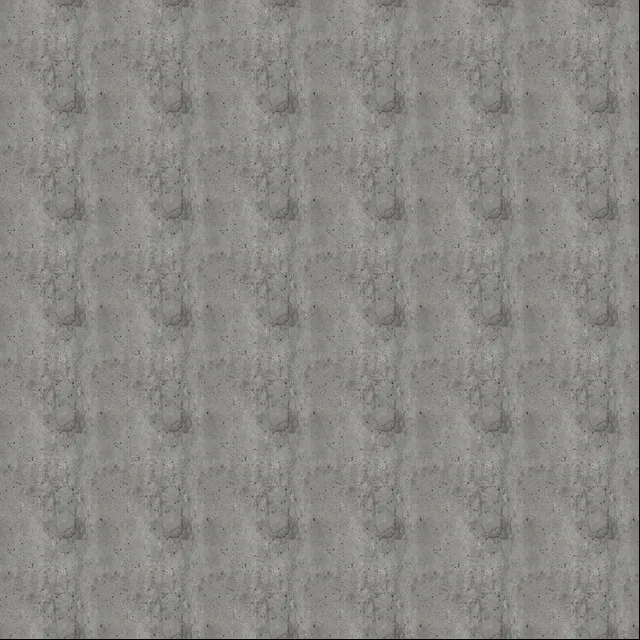
Tiles cleanly
- Even surfaces: concrete, plaster, leather, sand, grass, fabric
- Soft light with no bright corner or dark side
- Shot straight on, the material filling the frame
- Small details spread over the whole image
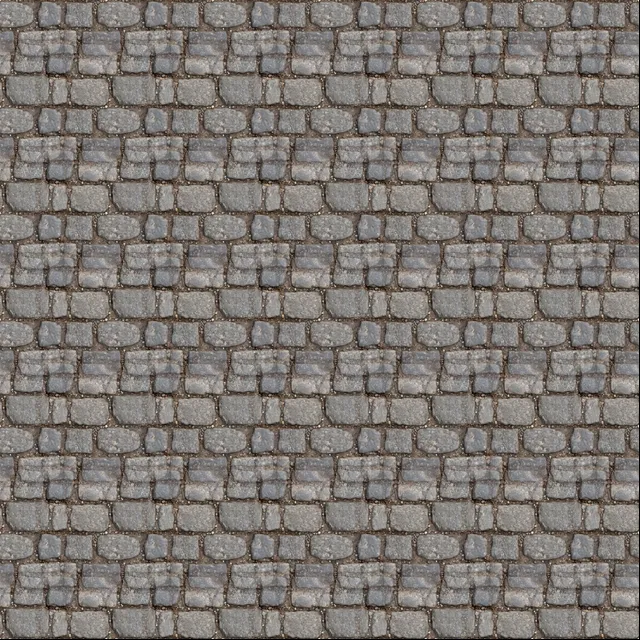
Needs a closer look
- Rows of bricks, tiles or stones, which double where copies overlap
- One big feature, a knot or a stain, that repeats in plain sight
- Strong light from one side
- Perspective, where the far side looks smaller
Where Seamless Textures Go
Game levels
Ground, walls and terrain layers that cover a whole map from one small texture, at any UV scale.
Architectural renders
Concrete, plaster, wood and fabric that repeat across floors, facades and furniture without a grid.
Product and fashion renders
Leather, denim and knits from your own swatch photos, tiled over a 3D garment or a sofa.
Backgrounds and web
Paper, canvas and grain textures for repeating backgrounds in apps, sites and print.
How to Make a Texture Seamless
The seamless texture generator opens with Seamless on and the leather sample loaded, so the first result is one click away.
- 1
Open the texture to tile
Upload, drop or paste a photo or texture. A square crop of the material works best.
- 2
Check the 3×3 view
The middle panel repeats your texture three by three. Uncheck Seamless to see the original seams for comparison.
- 3
Look at it in 3D
The sphere shows the texture repeated 2×; switch to 3× or to the flat surface. Move the mouse to light the bumps.
- 4
Download the seamless set
Save the seamless texture as a PNG, or take the ZIP with seamless normal, height, roughness and AO maps.
Seamless Texture Generator FAQ
Open the image in the seamless texture generator with Seamless on. Four copies of the image, shifted by half its size, are blended so that every edge meets a matching edge. The contrast is kept, so the result stays as crisp as the photo.
Yes, for as many textures as you need, commercial projects included. The seamless texture generator has no sign-up and no watermark, and your images are processed in your browser, never uploaded.
No. A plain cross-fade washes out the middle of the image; this blend keeps the original contrast. Where copies overlap you see two layers of detail mixed, which is invisible on organic surfaces and shows as doubled outlines on strict rows of bricks or stones.
Offset moves the seams to the middle of the image and leaves you to paint them away with the clone or healing brush. The seamless texture generator removes them in one step, and gives you the matching normal, height and roughness maps.
ChatGPT and other AI image tools can draw a texture that looks seamless, but the edges rarely match exactly, so a line shows once it repeats. Open the image in the seamless texture generator to blend the edges, and you get matching normal, height and roughness maps too.
Up to 2K (2048 pixels per side; switch to 2K under Detail). Because it tiles, a 2K texture repeated across a surface covers any size in your scene.
Make Your Texture Seamless Now
Drop in a photo and download a seamless texture with normal, height and roughness maps that tile with it. Free, in your browser.
Upload an image