Ambient Occlusion Map Generator
Turn any photo or texture into an ambient occlusion map: the gaps, cracks and crevices where light cannot reach come out dark, open surfaces stay white. The AO is read from the surface shape the AI sees, not from dark colors. Download it on its own or packed with roughness into an ORM map.
Sample: Stone
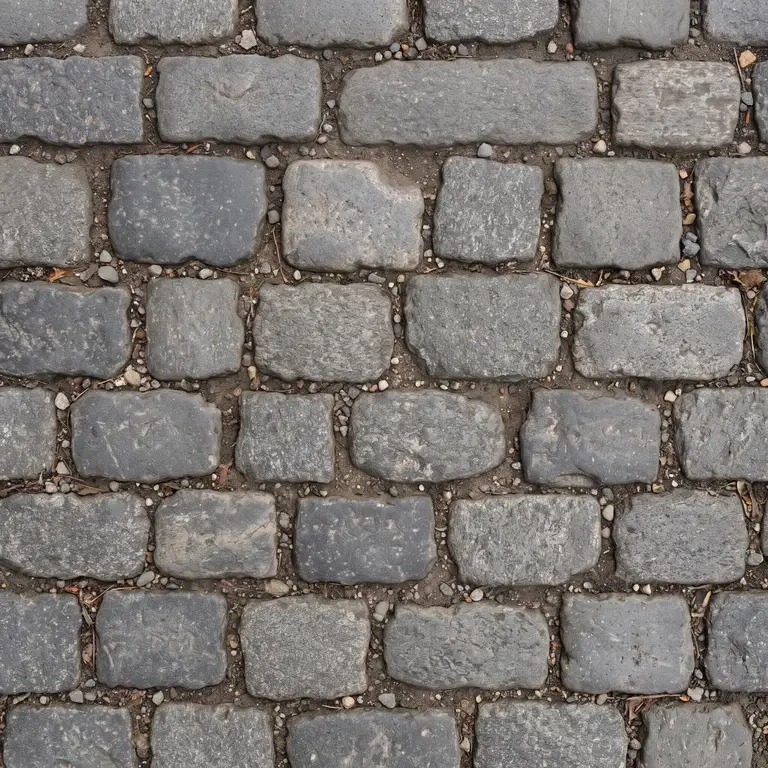
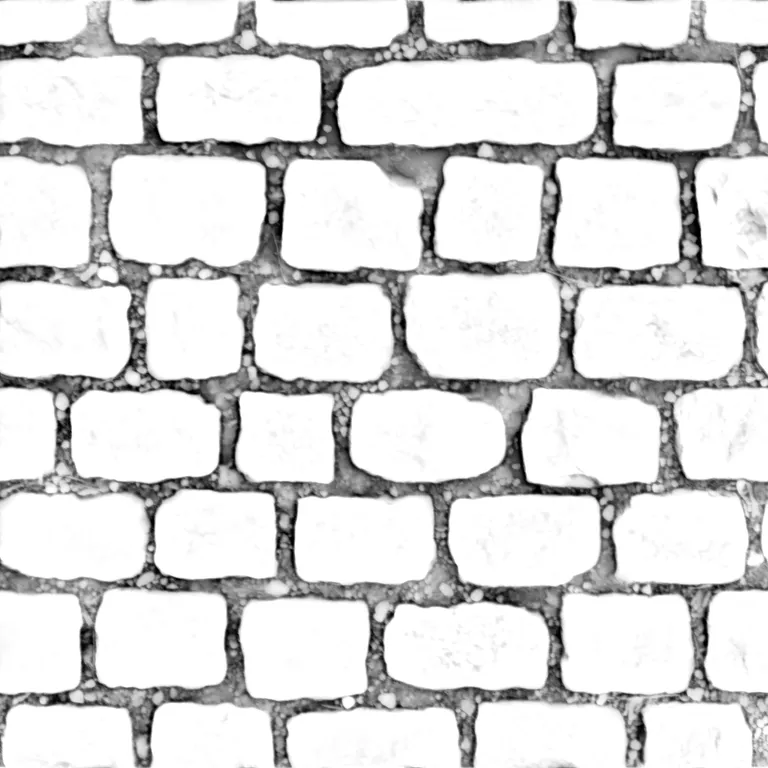
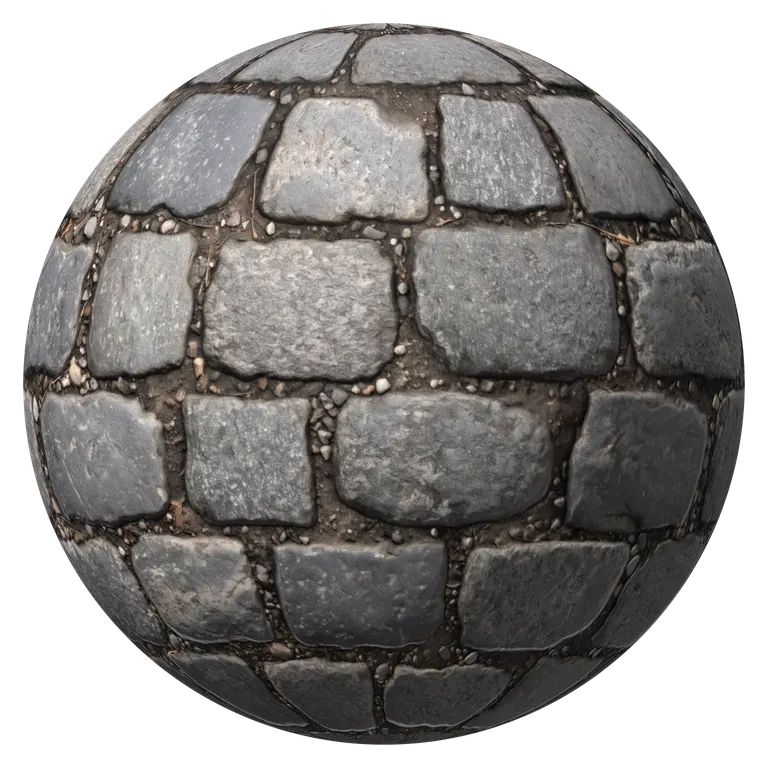
Detail, roughness, AO and base color
Bump detail
Roughness and AO
Base color
AI photo mode: shape read from the photo, shadows stay shadowsRuns in your browser. Images never leave your device.
All maps from this image
Click a map to view it, or download it on its own
- Base color
- Normal
- Height
- Roughness
- AO
- Curvature
Ambient Occlusion On and Off
The cobblestone shape from the ambient occlusion map generator, as a plain clay ball in soft room light, where ambient occlusion matters most. Without the AO map, the gaps get as much light as the tops of the stones. With it, the light fades into every joint and the stones stand out.
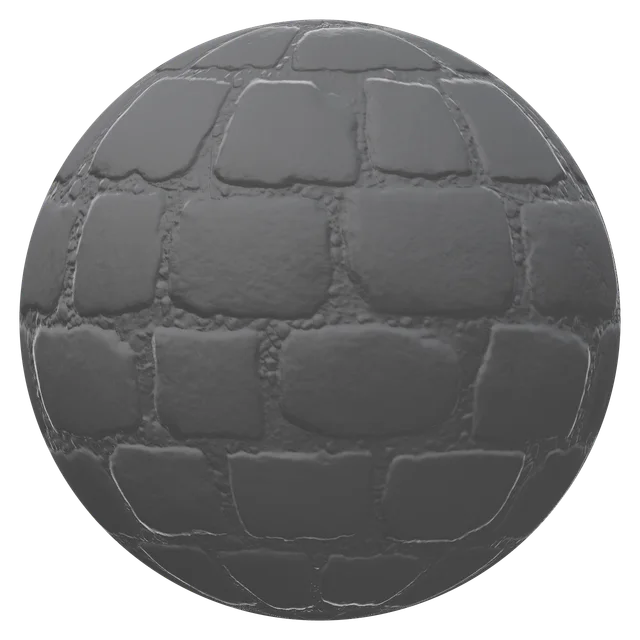 Without AO
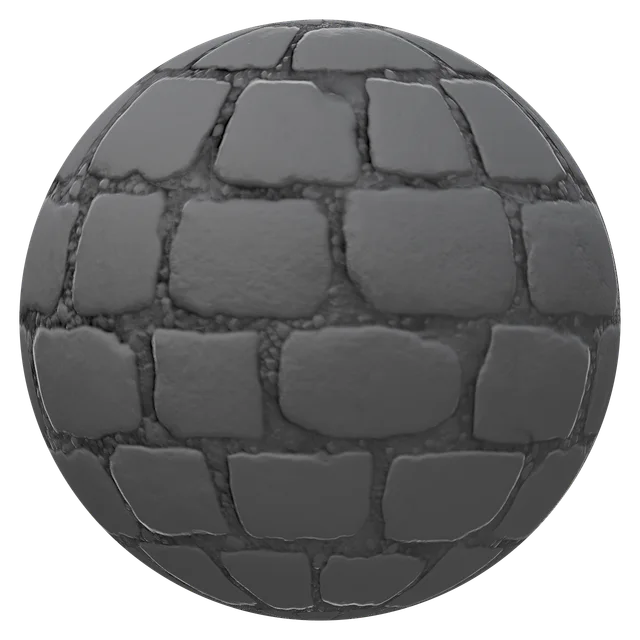 With AO
What Is an Ambient Occlusion Map?
Where the light cannot reach
An ambient occlusion (AO) map is a grayscale texture that stores how much of the light around a surface reaches each point. White is fully open; darker values sit deeper in gaps, cracks and corners. Engines multiply it into the ambient light, so crevices darken the way they do in real life, even where no single lamp casts a shadow. The ambient occlusion map generator reads it from the surface shape in your photo.
- White open, dark hidden
- Dims the ambient light only, not the sun or lamps
- Linear data: Non-Color in Blender, sRGB off in Unity and Unreal
ORM Maps: AO, Roughness and Metallic in One Texture
Unreal Engine, Godot and glTF read three grayscale maps from the channels of one ORM texture: occlusion in red, roughness in green, metallic in blue. One texture instead of three saves memory and a lookup per pixel. The ambient occlusion map generator packs AO and roughness for you; metallic stays black, for non-metal surfaces.
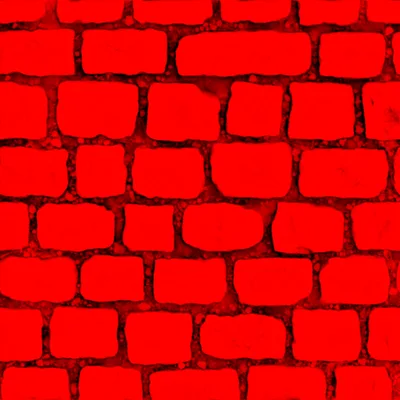
Red: occlusion
The AO map, dark in the joints.
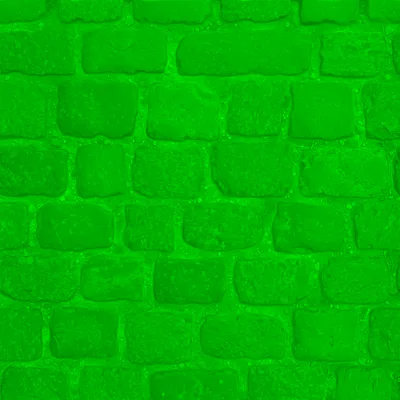
Green: roughness
Matte stones and gaps, smoother worn tops.

Blue: metallic
Black: stone is not metal.
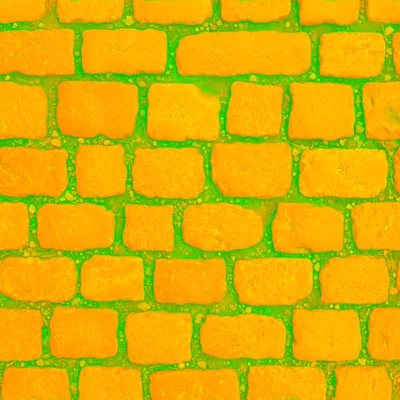
Packed ORM
All three in one PNG, ready for the engine.
Where the AO Map Goes in Each Engine
Every engine reads the map from the ambient occlusion map generator as linear grayscale. Here is the slot in each one.
Unreal Engine
- Slot
- Ambient Occlusion pin, or the red channel of an ORM texture
- Note
- Untick sRGB on the texture
Unity
- Slot
- Occlusion slot of a Standard or URP Lit material
- Note
- HDRP reads AO from the green channel of its Mask map
Godot
- Slot
- Ambient Occlusion section of StandardMaterial3D
- Note
- Or an ORMMaterial3D with the ORM map
glTF and three.js
- Slot
- occlusionTexture, red channel
- Note
- The ORM map fills occlusion, roughness and metalness at once
Blender
- Slot
- Multiply into the base color with a Mix node
- Note
- Cycles traces real occlusion; use the map for EEVEE or a baked look
| Engine | Slot | Note |
|---|---|---|
| Unreal Engine | Ambient Occlusion pin, or the red channel of an ORM texture | Untick sRGB on the texture |
| Unity | Occlusion slot of a Standard or URP Lit material | HDRP reads AO from the green channel of its Mask map |
| Godot | Ambient Occlusion section of StandardMaterial3D | Or an ORMMaterial3D with the ORM map |
| glTF and three.js | occlusionTexture, red channel | The ORM map fills occlusion, roughness and metalness at once |
| Blender | Multiply into the base color with a Mix node | Cycles traces real occlusion; use the map for EEVEE or a baked look |
How to Make an AO Map from an Image
Four steps from a photo to an AO or ORM map. The cobblestone sample is already open in the ambient occlusion map generator.
- 1
Upload a straight-on photo
Drop, paste or pick a photo of the surface, or take one with your phone. The AI reads its shape, so dark stains do not turn into fake gaps.
- 2
Set the AO strength
In the ambient occlusion map generator, raise AO strength for deep joints and rough masonry, lower it for shallow detail like fabric or plaster.
- 3
Compare it in 3D
Move the mouse over the tool: the ball shows the gaps darkening as the light sweeps around.
- 4
Download AO or ORM
Save the AO map on its own, the ORM map for Unreal, Godot and glTF, or the ZIP with every map.
Ambient Occlusion Map Generator FAQ
It darkens the parts of a surface that surrounding light cannot reach, such as joints, cracks and pores, so a texture looks deep under soft, even light. Game engines multiply it into ambient light; it is cheaper than computing that occlusion live.
Yes. The ambient occlusion map generator reads the surface shape from the photo with AI and darkens the points that sit below their surroundings, at three sizes, from fine pores to wide joints.
Dark. White means fully open to light, black fully hidden. Most of a surface sits near white, with dark lines and spots in the gaps.
Yes, for fine detail. Real-time global illumination handles occlusion between objects, while a texture AO map from the ambient occlusion map generator adds the small contact shadows inside the texture that the lighting resolution cannot see.
One texture holding three grayscale maps: occlusion in red, roughness in green, metallic in blue. Unreal Engine, Godot and glTF use it to save memory, and the ambient occlusion map generator packs one for you.
Yes. The ambient occlusion map generator has no sign-up, no watermark and no limit, and runs in your browser, so your images never leave your device.
Make Your AO Map Now
Drop in a photo and get an ambient occlusion map, an ORM map and every other PBR map from the same surface. Free, in your browser.
Upload an image