Normal to Displacement Map
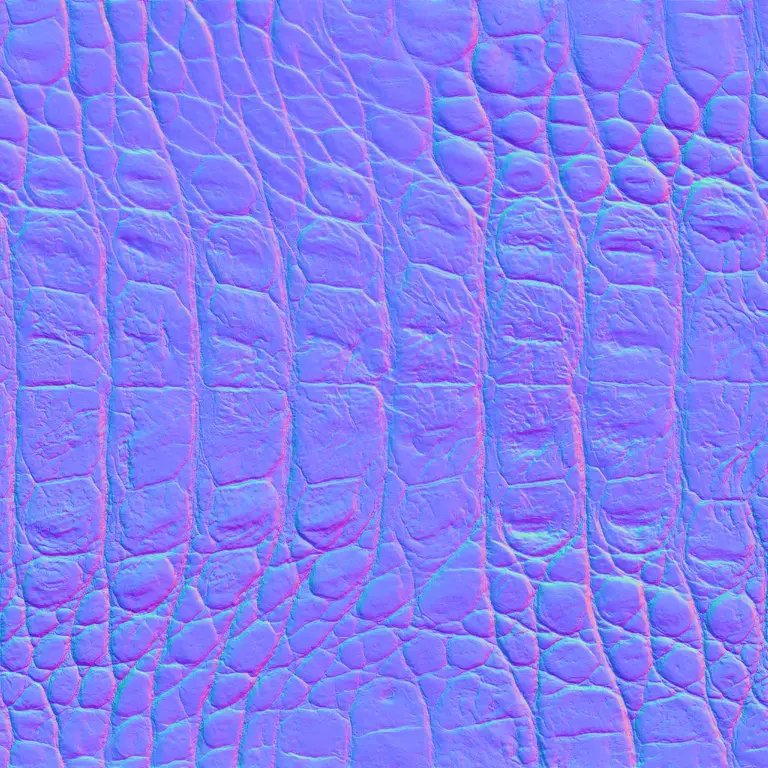
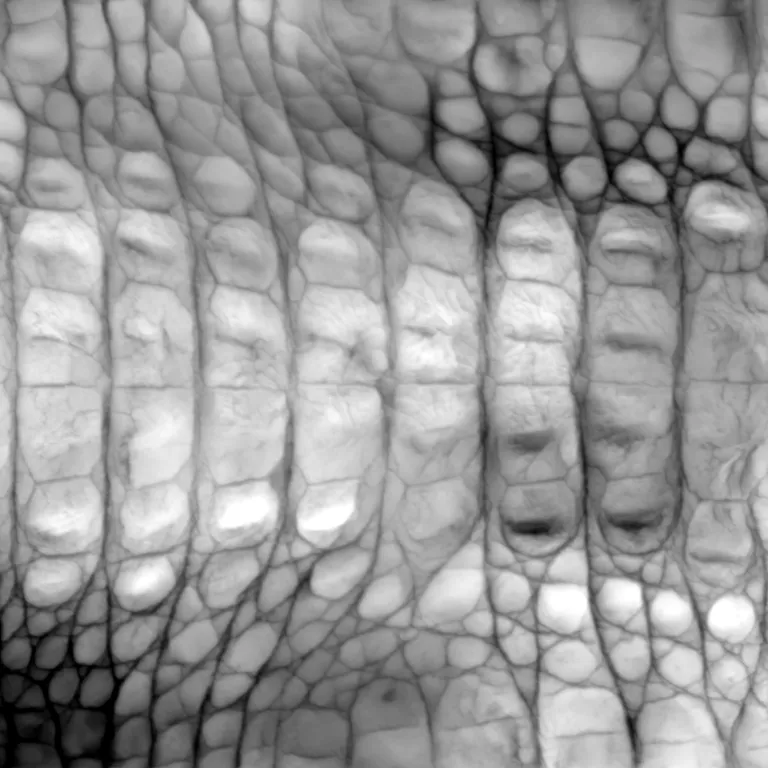
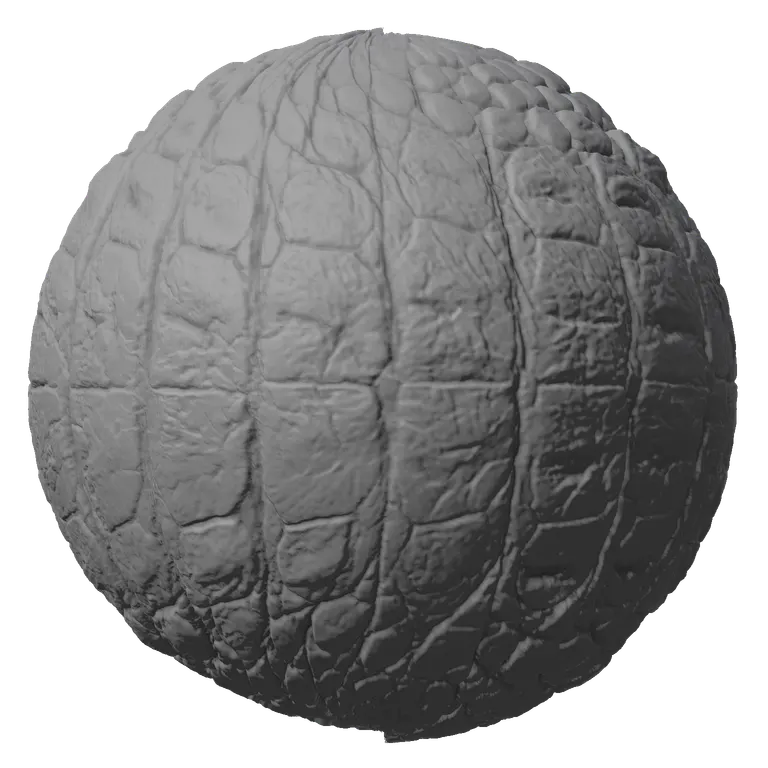
Turn any normal map back into the height it came from, as a 16-bit displacement map. OpenGL or DirectX is detected from the map, the slopes are joined into one consistent surface, and the 3D sphere shows it pushing out real geometry.
Sample: Skin
Detail, roughness and AO
Bump detail
Roughness and AO
Image mode: brightness becomes height, best for clean texturesRuns in your browser. Images never leave your device.
All maps from this image
Click a map to view it, or download it on its own
- Normal
- Displacement
- Roughness
- AO
- Curvature
Why You Cannot Just Desaturate a Normal Map
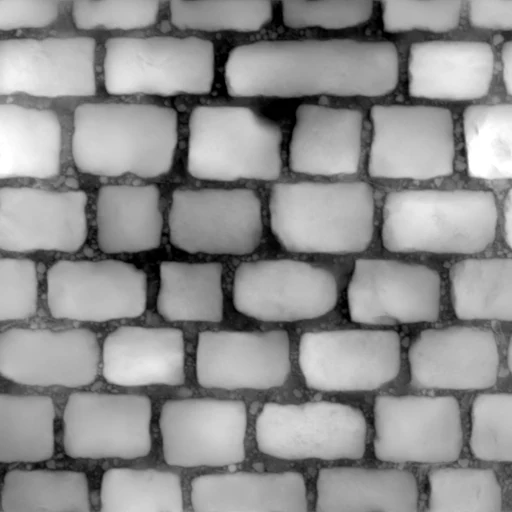
A common shortcut for normal to displacement map conversion is to turn the normal map gray and call it height. The result is a picture of lighting: one edge of every stone bright, the opposite edge dark, the tops flat. Rebuilding finds the one surface whose slopes match every pixel, so the stones come out raised and the gaps sunk. Both made from the same cobblestone normal map.
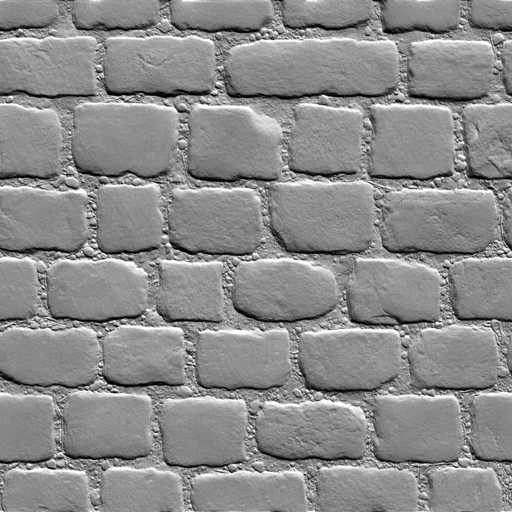 Desaturated
 Rebuilt
How a Normal Map Becomes Height
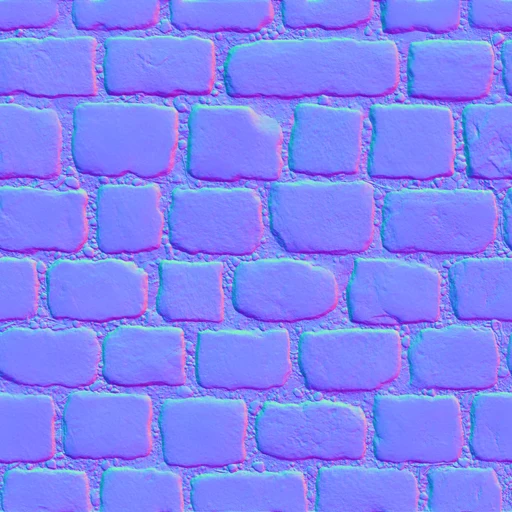
Slopes in, one surface out
Each pixel of a normal map says which way the surface leans: red holds the left to right tilt, green the up and down tilt. The normal to displacement map converter integrates all of them at once in the frequency domain (the Frankot and Chellappa method), which finds the height whose slopes match the map best, with no drift from one corner to the other. Large shapes stay, so a dome comes back as a dome.
- OpenGL or DirectX detected from the map itself
- 16-bit output for smooth displacement
- Strength and detail sliders shape the depth
What a Rebuilt Displacement Map Is For
Many assets ship with a normal map and nothing else. A normal to displacement map conversion gives them real depth.
Sculpting in ZBrush
Apply it to a subdivided mesh as a displacement map, or use it as an alpha to stamp the same detail elsewhere.
Blender and Cycles
Feed it to a Displacement node with Midlevel 0.5 on a subdivided mesh, and the surface gets a real silhouette.
Game assets
Add parallax or Nanite tessellation in Unreal to a material that came with only a normal map.
How to Convert a Normal Map to a Displacement Map
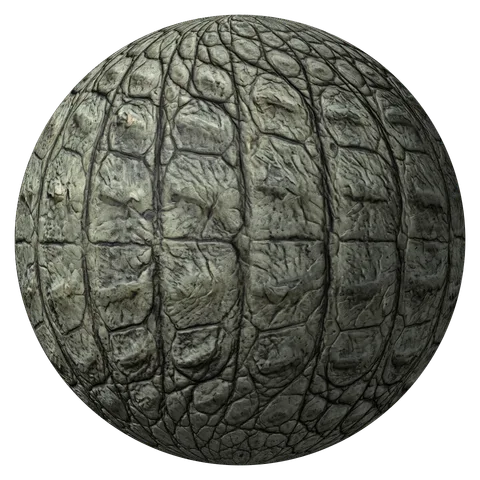
Four steps, all in your browser. The crocodile skin normal map is already open in the normal to displacement map converter.
- 1
Upload the normal map
PNG, JPG or WebP, from a bake, a scan, a texture pack or this site. Drop, paste or pick the file.
- 2
Check the format
Auto reads OpenGL or DirectX from the map and the line under the tool says which. If the shape looks inside out, pick the other one.
- 3
Set the depth
Strength scales the height; Large, Medium and Fine under Detail decide which shapes dominate. Watch the sphere outline change.
- 4
Save the 16-bit displacement
Download the displacement map, or the ZIP with height, AO and curvature maps from the same surface.
Normal to Displacement Map FAQ
The shape comes back, the absolute depth does not: a normal map stores only slopes, so how tall the surface was in real units is lost. Set the depth with Strength or with the displacement scale in your renderer.
The normal map was read with the wrong green channel. Switch between OpenGL and DirectX above the controls; Auto picks the right one for most maps, and tells you when a map is too flat to judge.
Some normal maps do not describe one consistent surface, for example after painting, mixing two formats or heavy compression. Lower Large under Detail to drop the slow lean and keep the local shapes.
Yes. The normal to displacement map converter detects the format from the map, and you can set it by hand. The displacement map itself has no format: white is high in every app.
Yes. The height from the normal to displacement map converter works as a bump map in any renderer that takes one: download the height or displacement map.
Yes. The normal to displacement map converter has no sign-up, no watermark and no limit, and your normal maps are processed in your browser, never uploaded.
Turn Your Normal Map into Height
Drop in a normal map and the normal to displacement map converter rebuilds a 16-bit displacement map from its slopes. Free, in your browser.
Upload a normal map